Swoop
# on-demand delivery for a local store.
# one iOS app, three roles: customer, driver, manager.
overview
Swoop delivers from a single store: pouches, vapes, beer and seltzer, brought to the door. Most of the catalog is age-restricted, so every order has to end with an ID check, and the store has to know who took it and when.
It's one SwiftUI app with three modes. Customers browse, pay and track their order. Drivers claim orders, prep them, drive an optimized route and scan the customer's license at the door. Managers keep inventory, promotions and staff up to date. Which mode you get depends on the role on your account, and everything syncs live through Firestore.
customer # order in a few taps
The whole store is on one scrolling page, grouped by category and searchable. Promotions apply on their own at checkout: percent-off deals stack, and when BOGO and bundle deals compete, the biggest saving wins. Customers pick a quick tip, confirm that their ID will be scanned, and pay with a saved card or Apple Pay. After that they can follow the order through each status, from prepared to on the way.
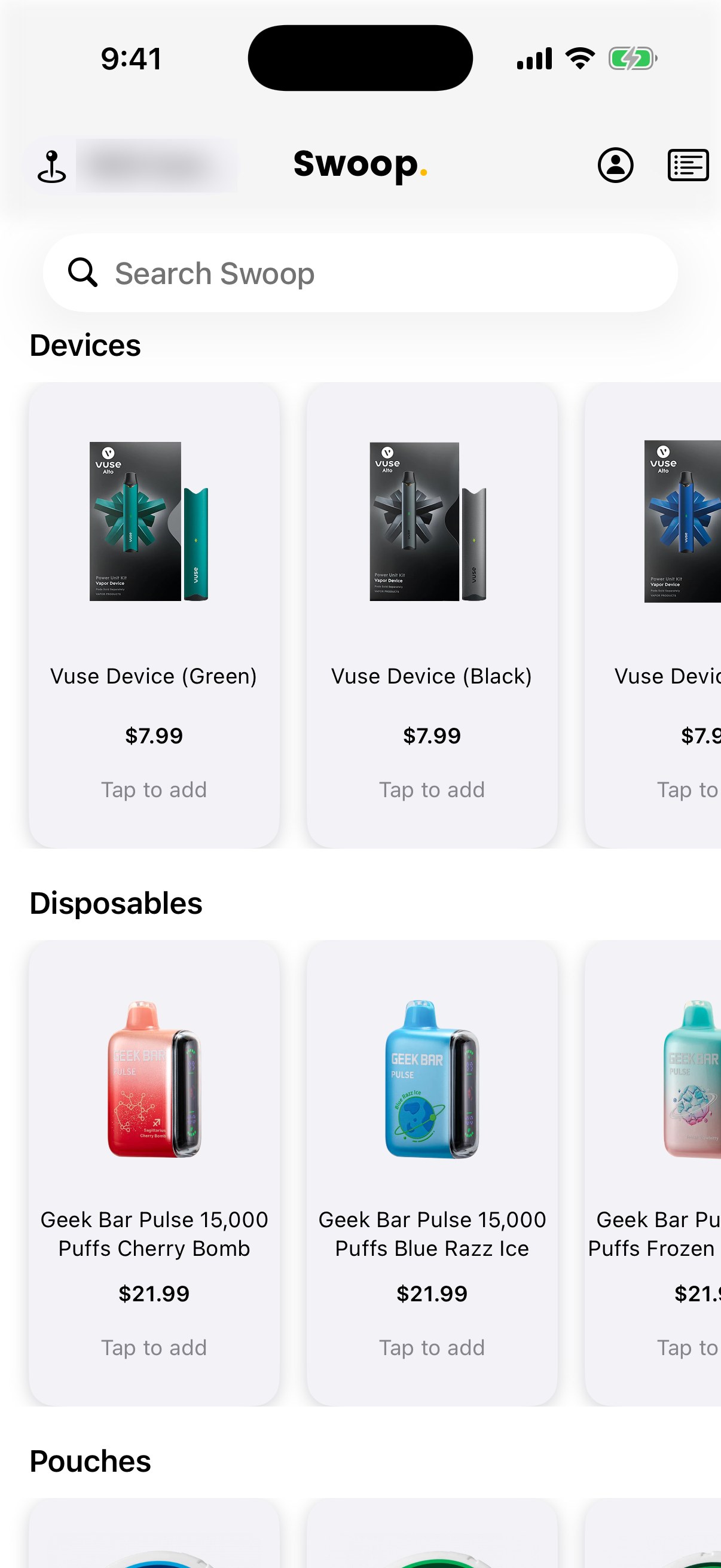
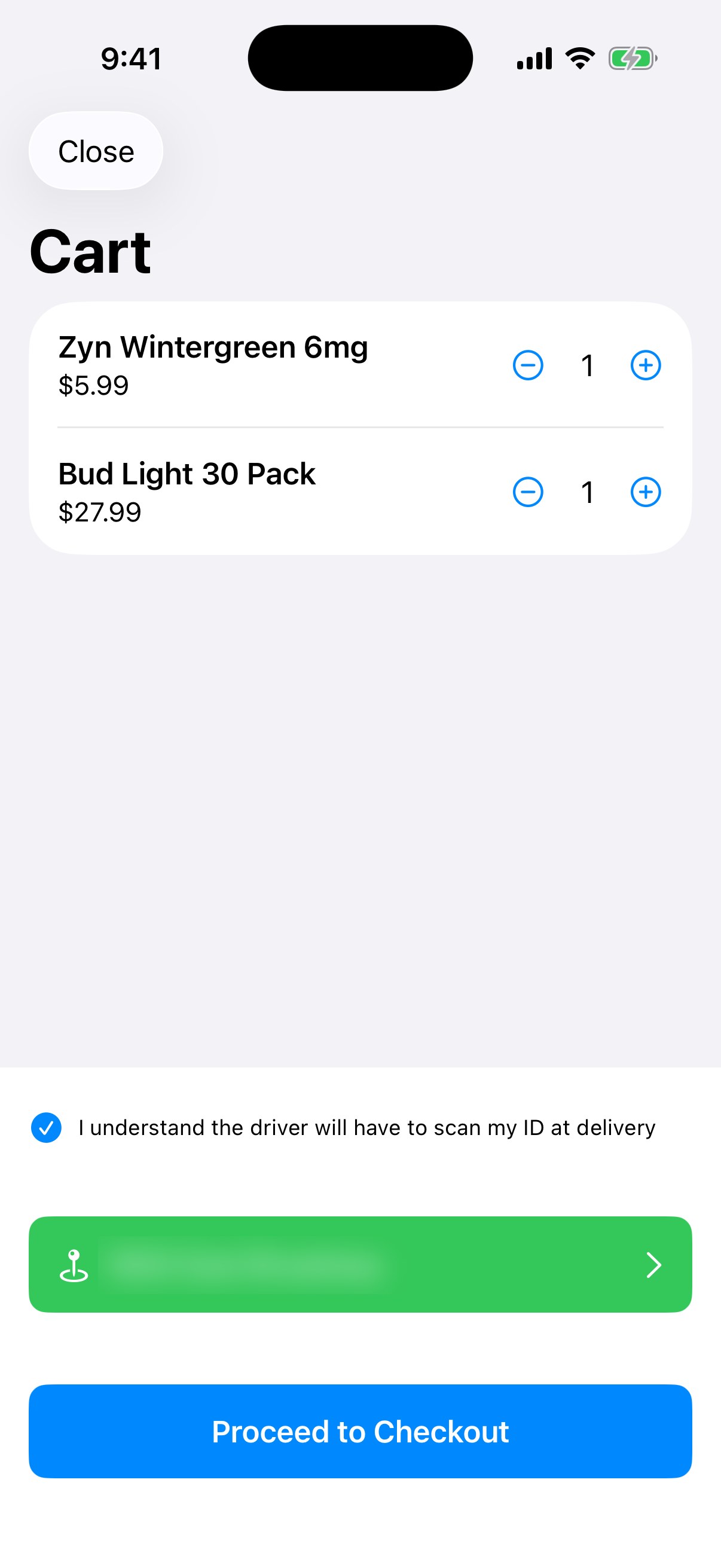
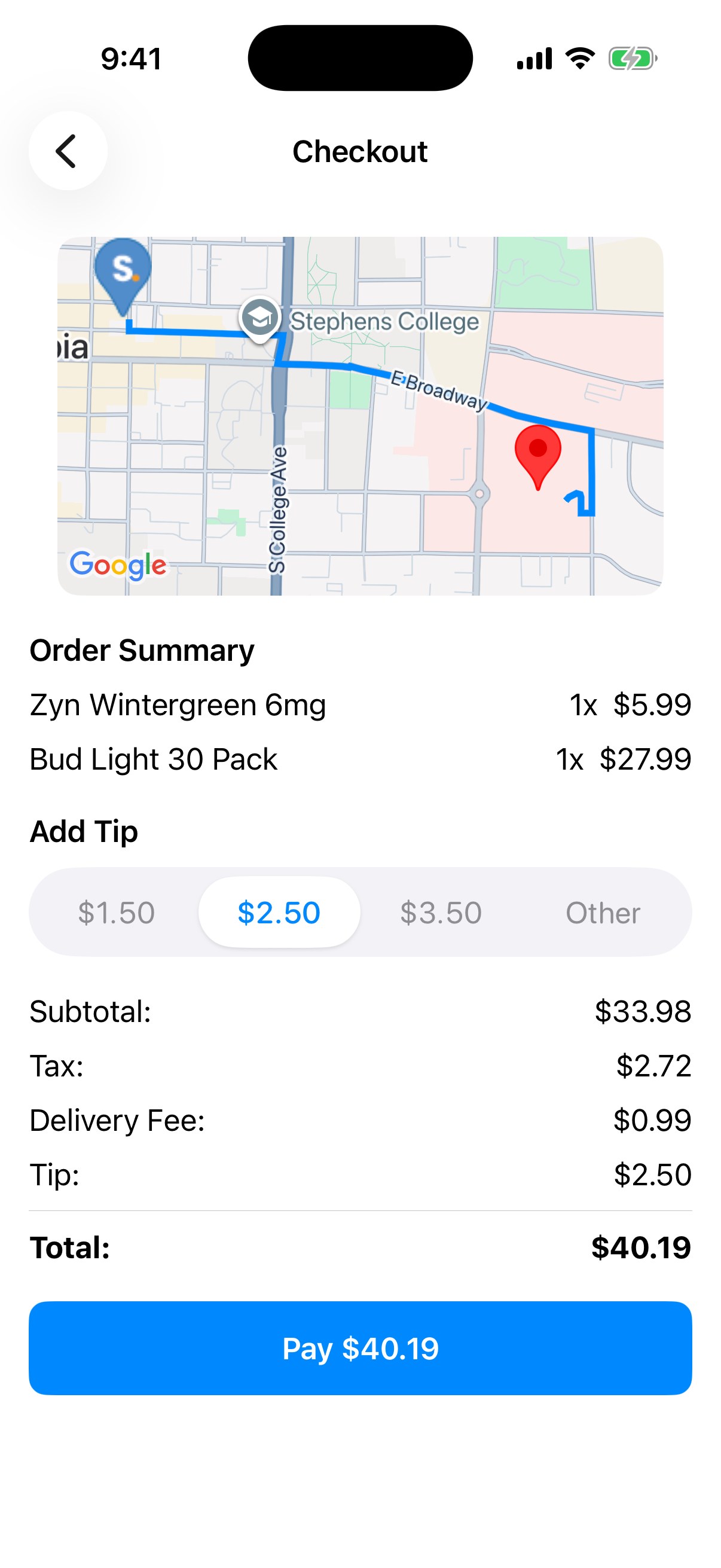
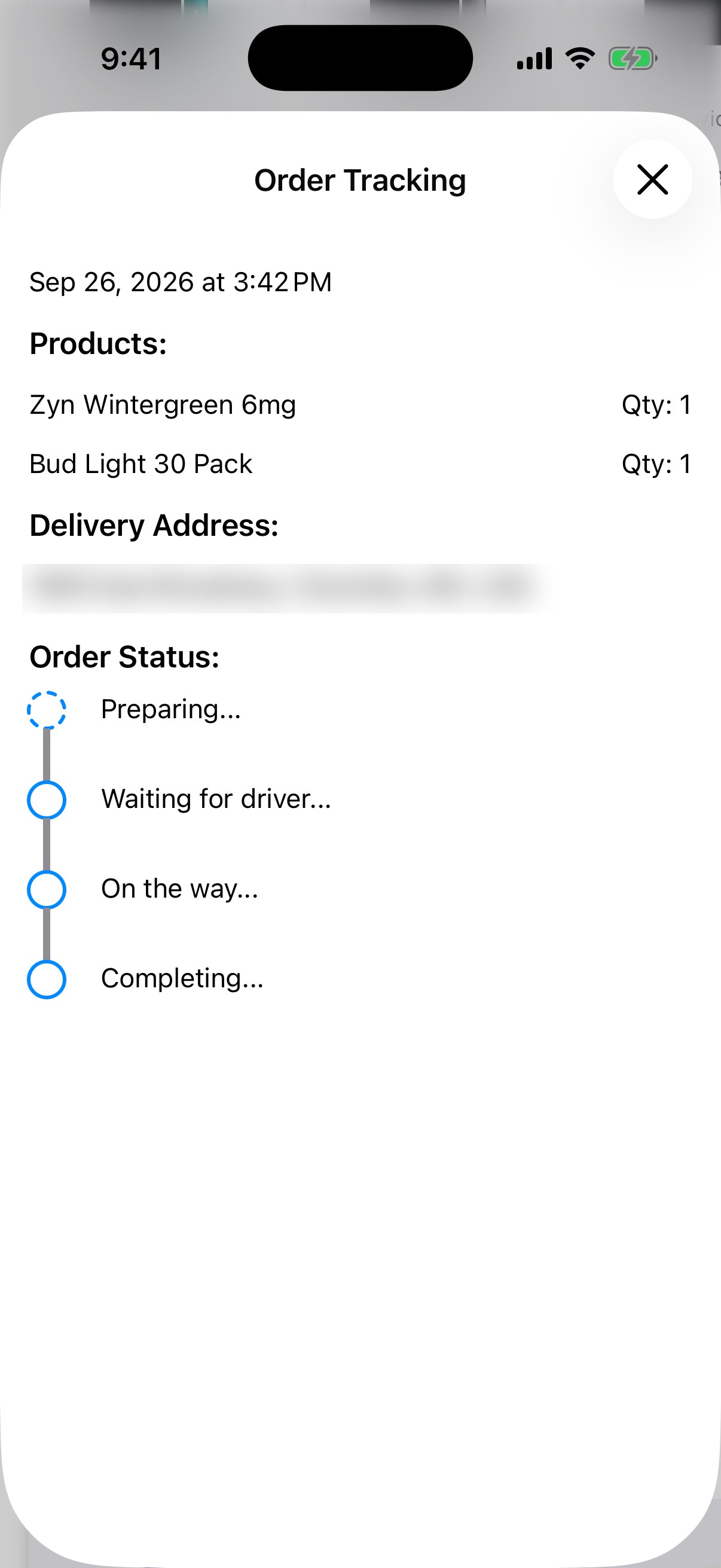
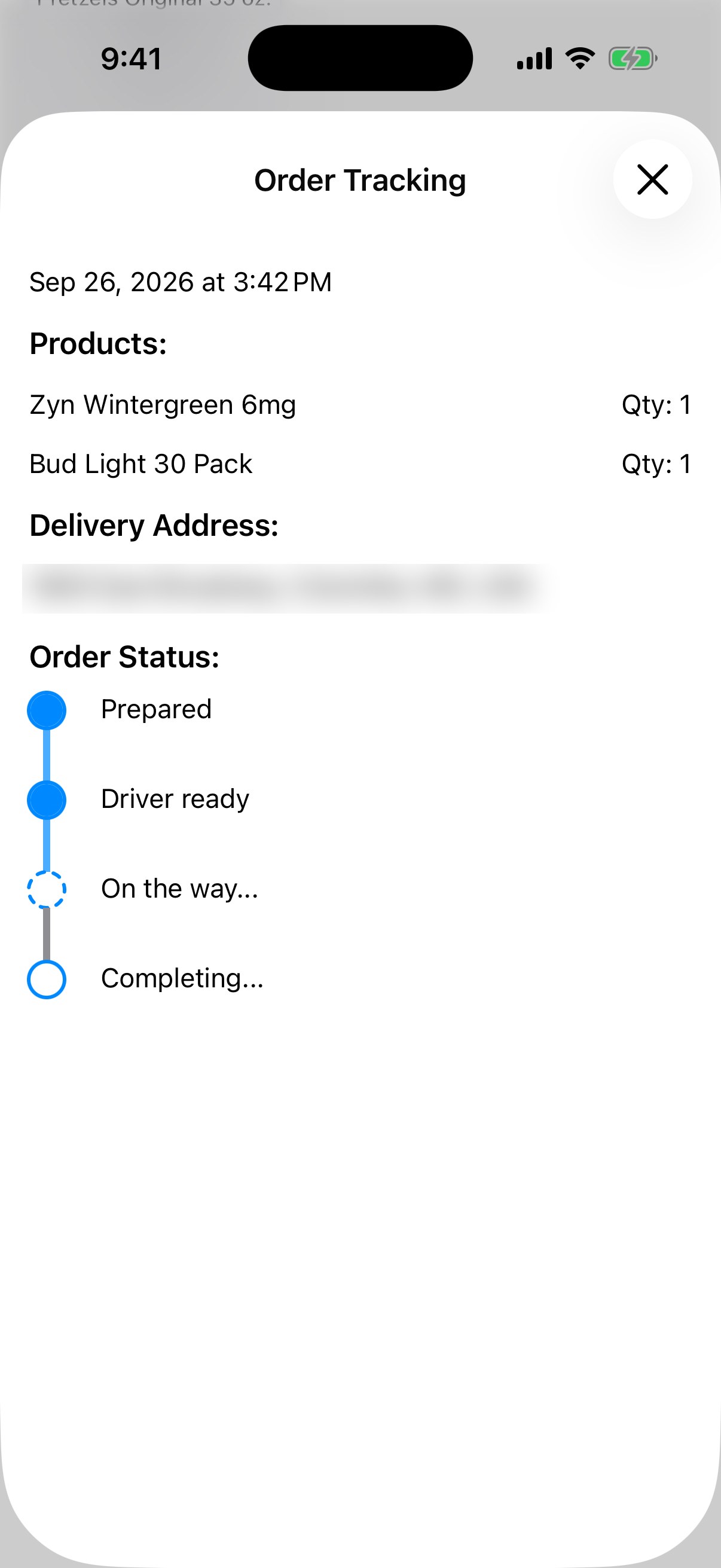
# delivery addresses blurred
driver # deliver and verify
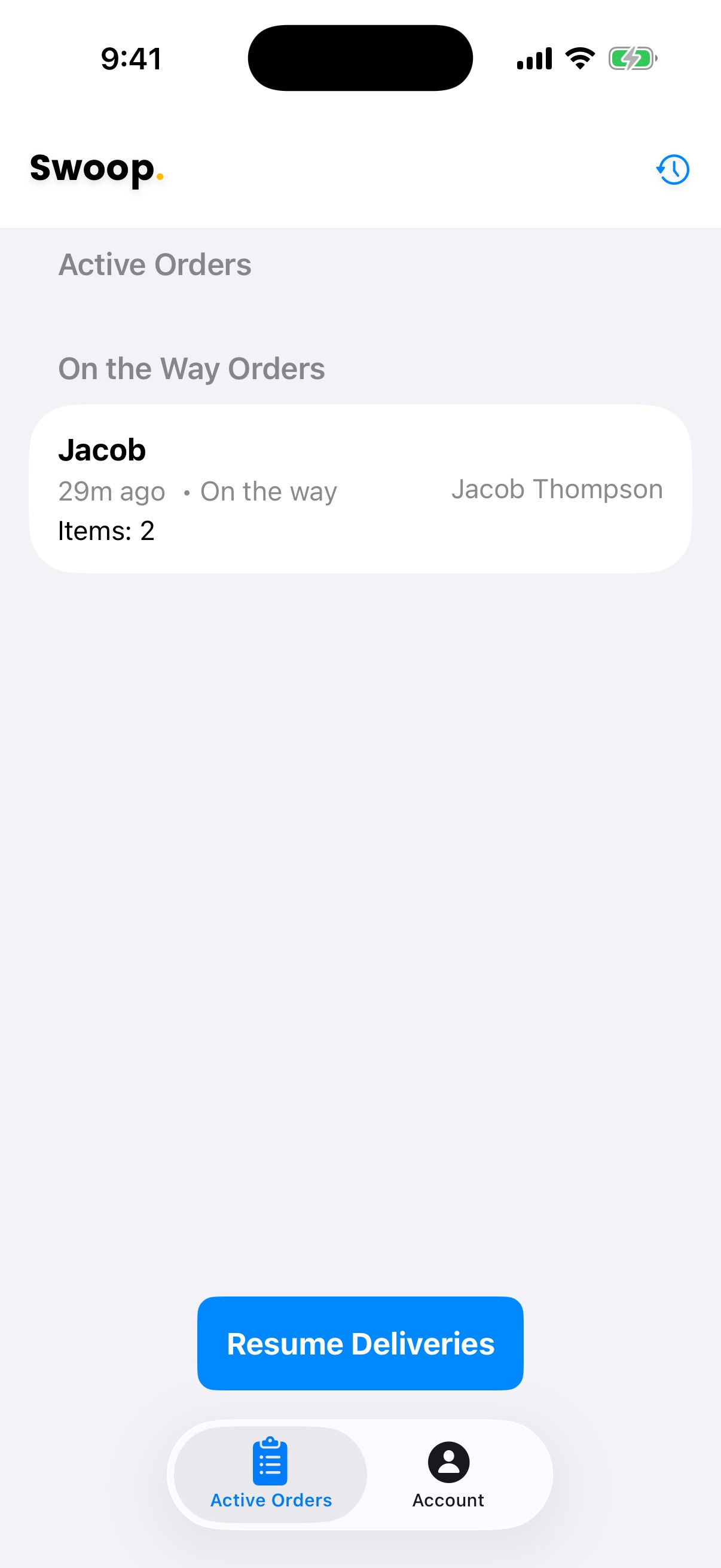
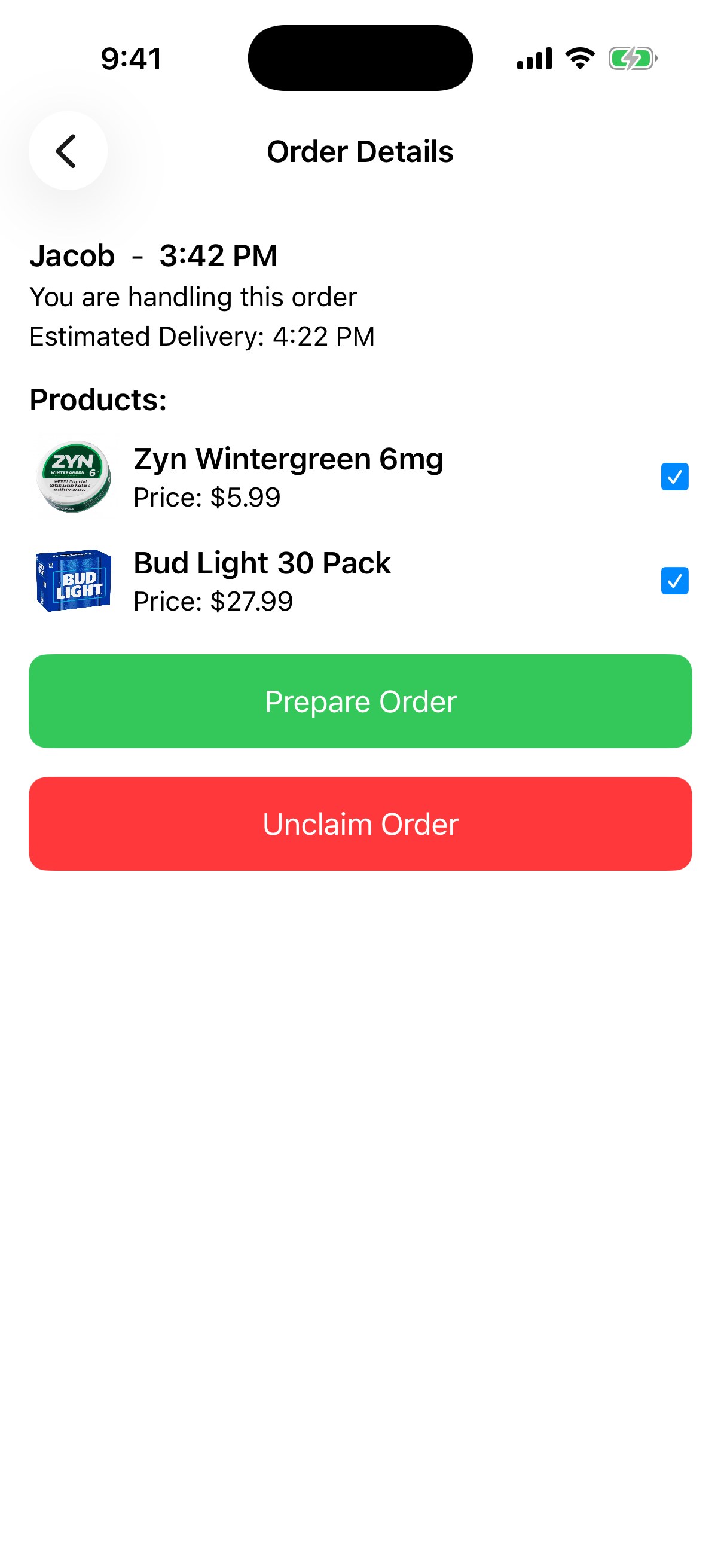
Drivers clock in and see open orders grouped by stage. They claim an order, check off each item as they pack it, and mark it prepared. Start Deliveries sends every stop to Google's Routes API with waypoint optimization, and the ordered route opens in Apple Maps or Google Maps. At the door, the camera reads the PDF417 barcode on the back of the customer's license, parses the birth date, and only lets the order complete if the customer is 21 or older.
manager # run the store
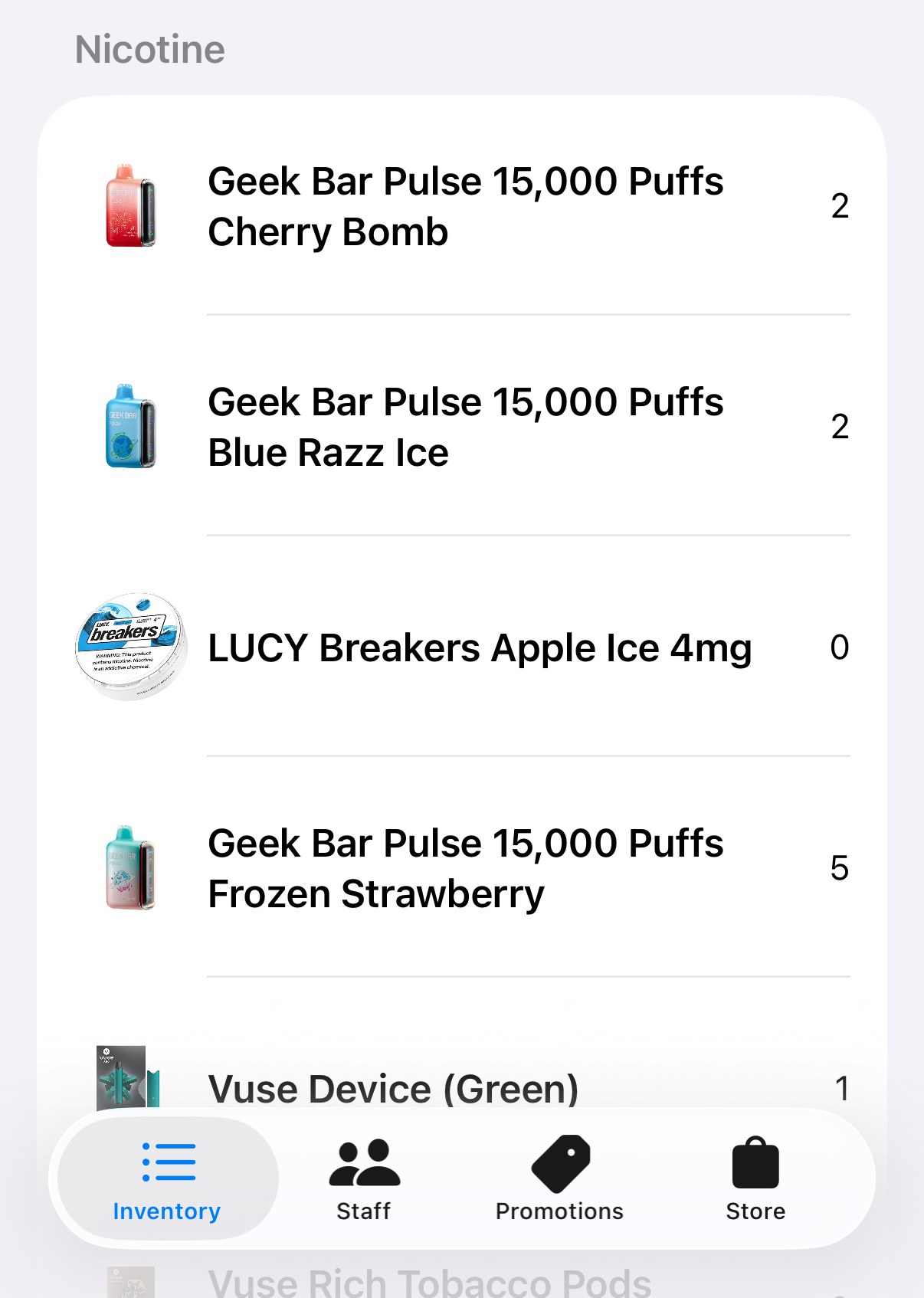
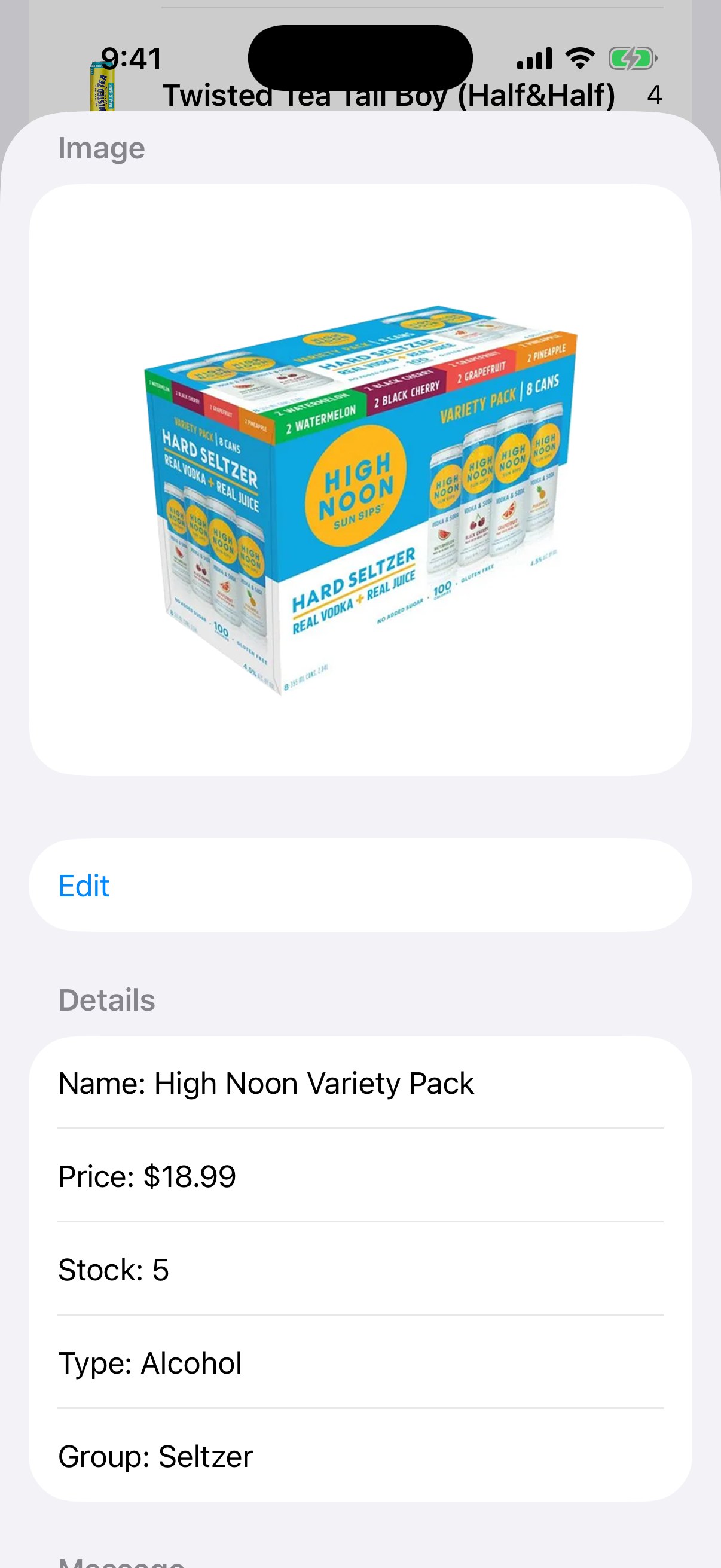
Managers get four tabs: Inventory, Staff, Promotions and Store. Inventory shows live stock counts by category, and each product has its own page for price, stock, type and photo. Promotions come in four kinds: BOGO, bundle, percentage and fixed amount. Staff are added by phone number and given a role, and every order records who handled it.
under the hood
- One app, three roles. Sign-in is by phone number with Firebase Auth. The role stored on the account decides whether the app opens into the customer, driver or manager view.
- Live everywhere. Orders, promotions and inventory use Firestore snapshot listeners, so a driver claiming an order shows up on the customer's tracking screen and the manager's list right away.
- Payments run through Stripe's PaymentSheet with Apple Pay. The app writes a checkout session to Firestore and waits for the server to hand back a PaymentIntent secret, so no keys live on the device.
- ID scanning uses AVFoundation to read the PDF417 barcode on a driver's license, then parses the AAMVA fields for birth date and expiration.
- Routing calls the Google Routes API with waypoint optimization. Addresses come from Google Places autocomplete and are checked against the delivery zone.
- Promotion engine stacks every percentage deal, then applies only the single best BOGO or bundle deal.
- Notifications go out from Cloud Functions through Firebase Cloud Messaging when an order is confirmed and when it is on the way. A WidgetKit extension holds a Live Activity layout for order status and estimated delivery time.
details
- role
- solo: design, iOS, backend
- app
- SwiftUI (iOS), ActivityKit, WidgetKit, Lottie
- backend
- Firebase: Auth, Firestore, Cloud Functions, Cloud Messaging
- services
- Stripe + Apple Pay, Google Maps, Places and Routes
- built
- 2024